
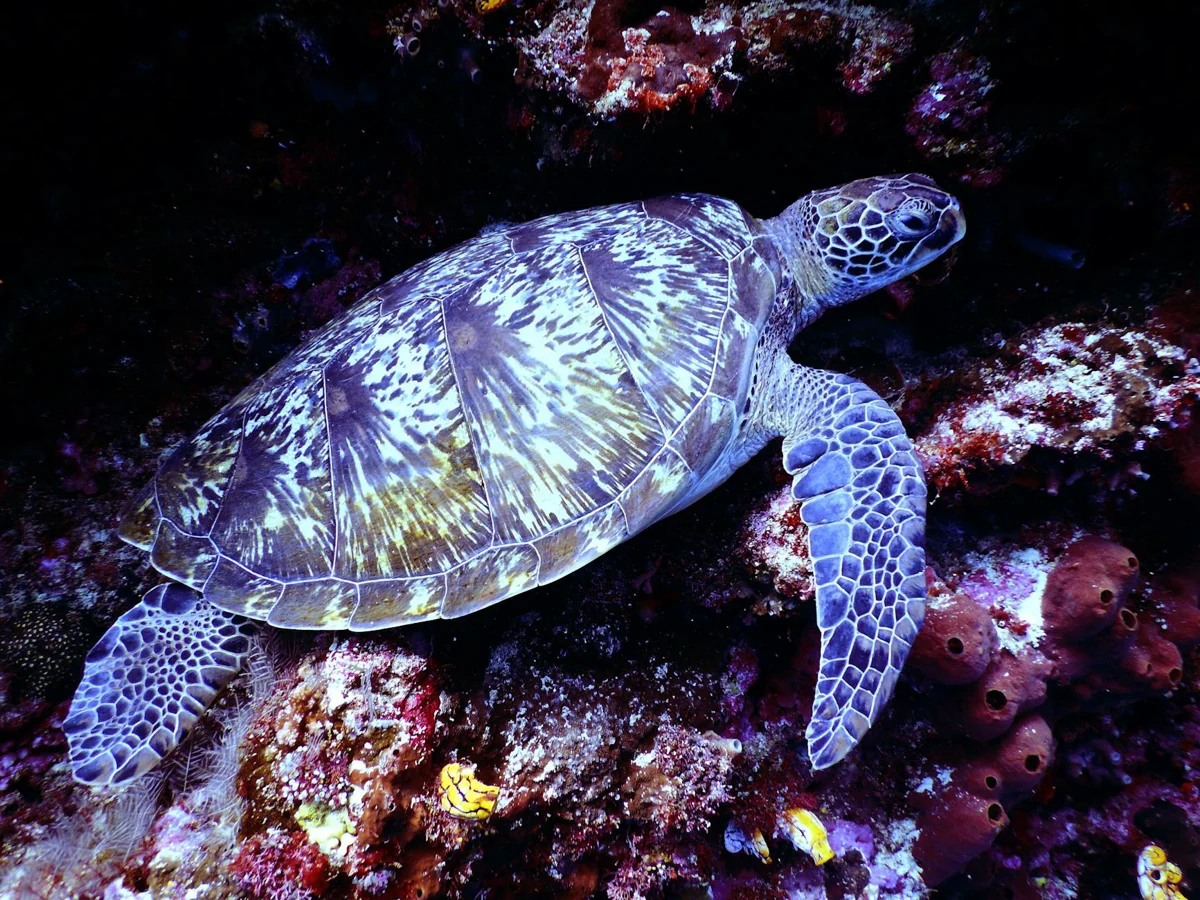
Auto white balance fails in underwater cameras from about 5-10 m down. Without correction, reds vanish and everything shifts blue-green. Using a white slate for custom white balance is the most reliable and affordable method to restore accurate color in underwater photo and video without a strobe.
Water absorbs light selectively. Reds go first — already gone by 3-5 m — then oranges between 5-10 m, yellows at 10-15 m, and greens near 25 m. A shot taken at 20 m with no correction will show flat, blue-green subjects stripped of contrast. The camera's auto white balance can't fix this: it's calibrated for dry surface light, not a water column filtering every wavelength above you.
The technical answer is manual white balance with a physical reference. The camera needs a white — or neutral grey — target at the exact depth and ambient light where you'll be shooting. Once you tell the camera that object is true white, every other color in the frame falls into place. Professional photographers on land use the same principle; underwater it's just more essential.
The white slate: any white plastic dive slate works. Size 15×20 cm is the practical sweet spot. Cost runs 15-25 €, far cheaper than red filters or auxiliary lights. At each significant depth — say 10 m, 18 m, 25 m — you stop, pull the slate out, fill the viewfinder with it, and trigger the custom white balance function on your camera.
Step by step: 1) Reach the depth where you plan to shoot. 2) Hold the white slate 30-50 cm from the lens. 3) Make sure it covers at least 70 % of the frame. 4) Activate custom white balance for your brand: Sony 'Custom WB', Nikon 'Preset Manual', Canon 'Custom WB'. 5) Fire the shutter or press OK as your model requires. 6) Confirm the camera has accepted the new setting. 7) Glance at the screen — the slate should now read white, not blue.
Limitations worth knowing: 1) Any significant depth change means recalibrating. Drop from 18 m to 30 m and recalibrate. 2) In murky green water the correction is imperfect because ambient light already carries a greenish-brown cast. 3) If you're using a strobe, manual white balance is unnecessary — the strobe supplies full-spectrum white light. The slate is for natural ambient light only. 4) For video, calibration matters more, because video post-processing latitude is narrower than photo editing.
The alternative — red filters — works differently: a physical filter over the lens adds red back passively. Less precise than a white slate because the correction is static and can't adapt as depth changes. For casual video, a red filter combined with custom white balance gives acceptable results. For serious still photography, custom white balance alone is superior.
One thing rarely said: even with perfect custom white balance, natural ambient light beyond 25 m is simply scarce. If you want fully saturated, lit underwater images, a strobe or video light is eventually required. The slate extracts the best possible result from the available light — it does not manufacture light that isn't there. What you gain is color accuracy, not brightness.
Bottom line: the white slate is the cheapest useful investment in underwater photography with natural light. For 15-25 € you get color correction that divers often chase with expensive filters or complicated strobes. It performs best in clear water — the Caribbean, the Mediterranean, the Indo-Pacific — where visibility lets you work with ambient light at 20-30 m. For macro or wide-angle on mid-depth reefs, custom white balance with a white slate is the foundation; a strobe comes later as an addition, not a replacement.